




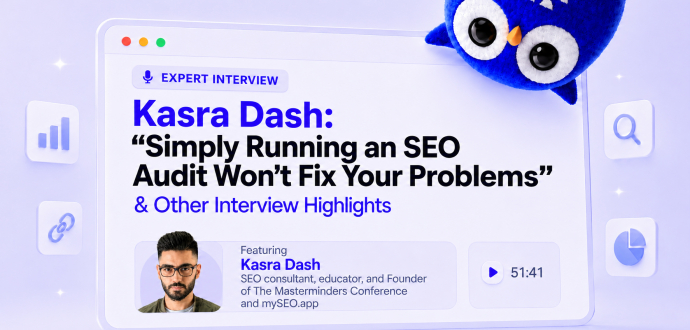
Kasra Dash: “Simply Running an SEO Audit Won't Fix Your Problems” & Other Interview Highlights
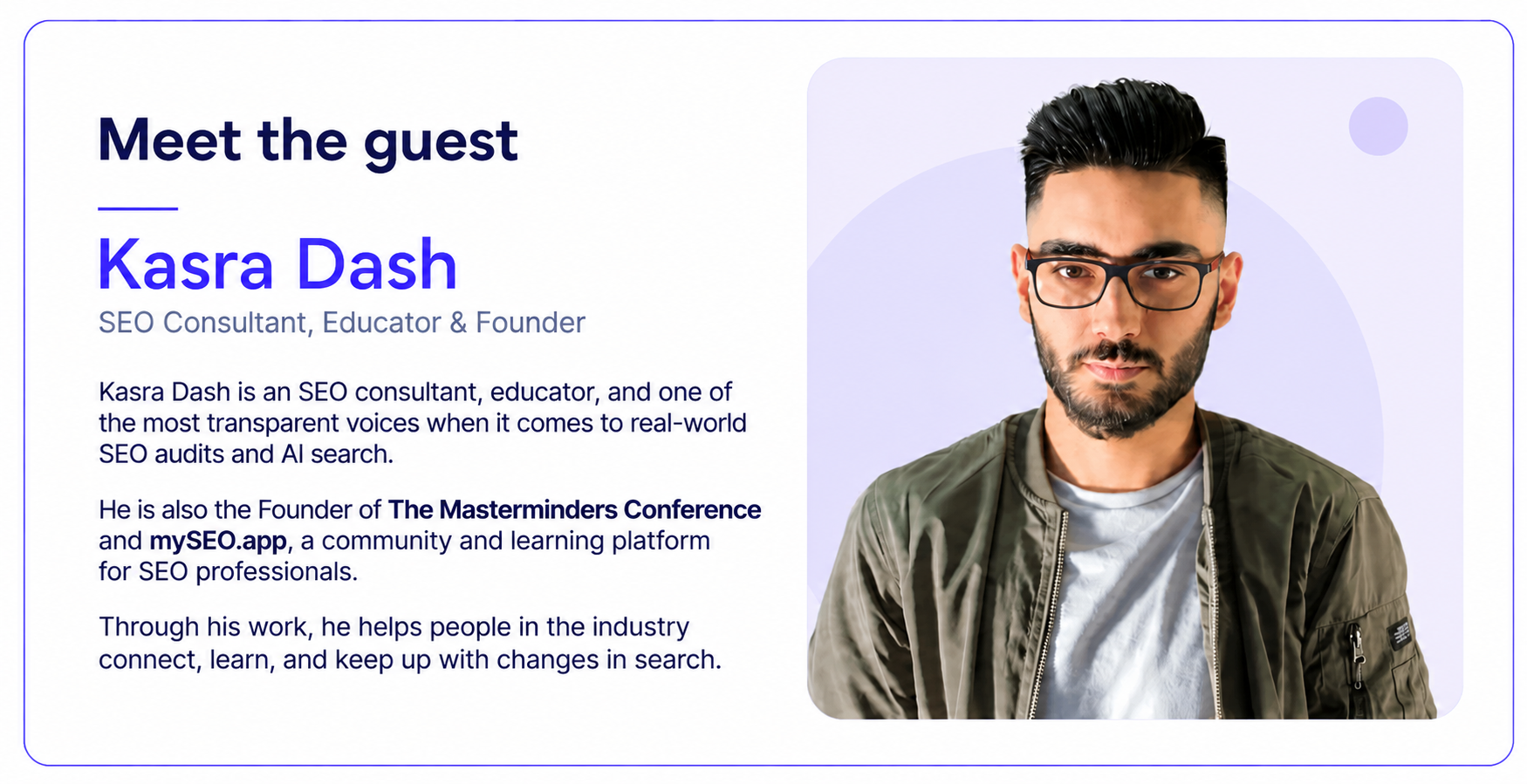
Why do website audits matter these days?
There are several reasons why regular website audits should be one of your priorities:
- AI Overviews and AI tools are changing how people discover information. You need to make sure your website is ready for these new search experiences.
- Audits help you understand what needs the most attention. You can identify whether you need more backlinks, better content, etc.
You're not necessarily going to run an SEO audit and discover 150 serious problems. Often, it's about making small improvements that add up over time.
Here are some important things to check:
- Whether your images need to be compressed.
- Whether you have any internal linking issues.
- Whether you're linking to new blog posts from relevant pages.
Ideally, you should do this regularly, perhaps once a quarter. But the frequency really depends on the website.
Check how visitors interact with your website
A website SEO audit shouldn't focus only on technical SEO issues. You should also pay attention to how visitors interact with your website.
For example, Google uses systems like NavBoost, which considers historical user-interaction data.
Use Google Analytics to understand how people navigate your website. This can help you identify areas that need improvement.
For example:
- Are visitors leaving because your website loads slowly?
- Is the navigation too complicated?
- Are visitors exploring multiple pages?
- Are they finding what they came for?
Looking at visitor behavior can help you identify what needs to be improved.
Check how your website performs on mobile
Many people still only care about how their website looks on desktop.
Today, 67-70% of searches happen on mobile. Of course, this depends on the industry, but the fact remains: your website should be mobile-friendly.
My recommendation is to install heatmap software. And check how people interact with your website.
Maybe your banner image at the top is too large, or you need jump links.
There are lots of small details worth looking into to create a better user experience.
How to run an SEO audit from beginning to end?
Before starting an SEO audit, connect Screaming Frog to Google Search Console and Google Analytics 4.
This allows you to include additional data, such as clicks, impressions, and website traffic, in the audit.
Once the crawl is complete, there are several areas to focus on.
1. Check your homepage and category pages
Start by looking at your homepage and category pages.
- Check whether category pages have relevant content and internal links pointing to other related collections.
- Check whether your important categories are linked from the main navigation and footer.
These might seem like small improvements. But they can help distribute link equity across your website and make important pages easier to find.
2. Check redirects and broken links
Next, review your crawled HTML pages and sort them by status code.
Pay particular attention to:
- 404 errors: Pages that no longer exist but may still receive internal links.
- Redirect chains: URLs that go through multiple redirects before reaching their final destination.
- Unnecessary redirects: Internal links pointing to URLs that redirect elsewhere.
This helps search engines crawl your website more efficiently. It also avoids unnecessary redirect hops.
3. Review and optimize your images
Image search is another opportunity to attract potential customers. People often search for products visually, especially in industries like fashion and furniture.
With Screaming Frog, you can identify:
- Images larger than 100 KB.
- Images with missing alt text.
- Images with missing width and height attributes.
If you find oversized images, consider compressing them before uploading them again.
Besides that…
Don't overlook image filenames. Instead of using generic names, make them descriptive and relevant to the product. This can help search engines understand your images and improve their chances of appearing in Google Images.
How often should you run an SEO audit?
How often you should run a full SEO audit depends mainly on your website's size, publishing frequency, and budget.
For example:
- Local business with around 60 pages: You probably don't need a full audit every month or even every two months.
- Ecommerce store with 1,000 pages: A quarterly audit might be a good option.
- News website publishing around 500 pages a day: You may need to audit it once or even twice a month.
Some websites don't need frequent audits because their SEO processes are already well established. In these cases, running an audit every two months might not be necessary. The budget could be better spent on other SEO activities.
However, if you've just acquired a website or started working with a new client, an audit should be part of the onboarding process.
Identify and prioritize the biggest issues
Simply running an SEO audit won't fix your problems. You need to take action based on its findings. Start by identifying the biggest issues and prioritizing them.
I use tools like Screaming Frog or Sitebulb to get an overall picture of what's wrong with a website.
They help identify:
- Slow pages
- Internal linking issues
- Oversized images
- Thin content
I also use JetOctopus to analyze server log files.
These files show:
- Which bots visit your website
- When they visit
- Which pages they crawl
This includes Googlebot and AI crawlers from platforms like ChatGPT, Claude, Perplexity, and Grok.
This information helps you see whether search engines and AI bots visit the pages you're optimizing.
That's why…
Look at server logs during your SEO audit. It helps you understand which pages bots crawl, which they ignore, and where you should focus your optimization efforts.
How to improve your e-commerce website structure?
Step 1. Check your homepage internal links
Your homepage usually receives the most backlinks. This means it often has the strongest PageRank on your website. You can use this to pass link value to your most important pages by linking to them from your homepage.
Check also whether your homepage links to the product and category pages that generate the most revenue for your business.
Step 2. Optimize your product category pages
Next, look at your product category pages, also known as collection pages.
There are two important things to check:
- Internal links: Make sure your category pages link to other relevant categories. For example, a brown leather sofa category could link to gray leather sofas. Don't rely only on your navigation bar to connect these pages.
- Unique content: Add useful category descriptions above or below the products.
You can use tools like Surfer SEO, Frase, ChatGPT, or Claude to help create category descriptions.
Step 3. Improve your product pages
Finally, check your actual product pages. Make sure they contain unique, useful information rather than just manufacturer descriptions.
For example, if you're selling a T-shirt or a mug, don't simply copy the manufacturer's product description.
Add useful details such as:
- dimensions,
- weight,
- height,
- materials,
- and other product specifications.
This is becoming even more important with AI search. Someone might ask ChatGPT or Claude. You're also providing useful information to Google.
For e-commerce SEO, the key is to structure your product descriptions around the details customers actually want to know. This is useful not only for customers but also for AI and Google.
Find outreach opportunities in AI search
AI tools and Google AI Overviews show the sources they use to generate answers. You can use these sources to find websites worth reaching out to for a chance to be featured in their content and AI-generated answers.
I'd prioritize websites that appear across multiple AI platforms.
If several platforms use the same source, it's a stronger outreach opportunity than a website that appears only once.
Three tips for strong SEO
The most important and first tip is: start taking action. Run a website audit, identify areas for improvement, and fix the issues that could be holding your website back.
Next…
Look at your competitors. If they're appearing in AI Overviews while your website isn't, investigate why. Check their backlinks, brand mentions, and content to understand what they do differently.
Try some of their approaches and see what works for your website.
Finally…
Network with other SEO professionals. Attend conferences, exchange ideas, and learn from people in the industry. With AI changing search, it's important to stay curious, share experiences, and keep adapting your SEO strategy.
These are highlights from our Adsy Talks podcast with Kasra Dash. For more insights, watch the full interview on our YouTube channel:
All trademarks, logos, images, and materials are the property of their respective rights holders.
They are used solely for informational, analytical, and review purposes in accordance with applicable copyright law.
 Sign Up
 Sign Up