






New Update: How to Apply Bonuses to Your Tasks
We constantly update Adsy features to make your link building and content distribution faster, more convenient, and secure. Now we’re happy to present a new bonus box and explain how to get, track, and use bonuses properly for your tasks.
What is a Bonus Balance?
It is a balance of extra rewards that you can earn through different activities, like promotions, promo codes, seasonal or partner offers, and any other eligible campaigns announced by Adsy. These bonuses can be used to reduce the cost of your tasks on Adsy.
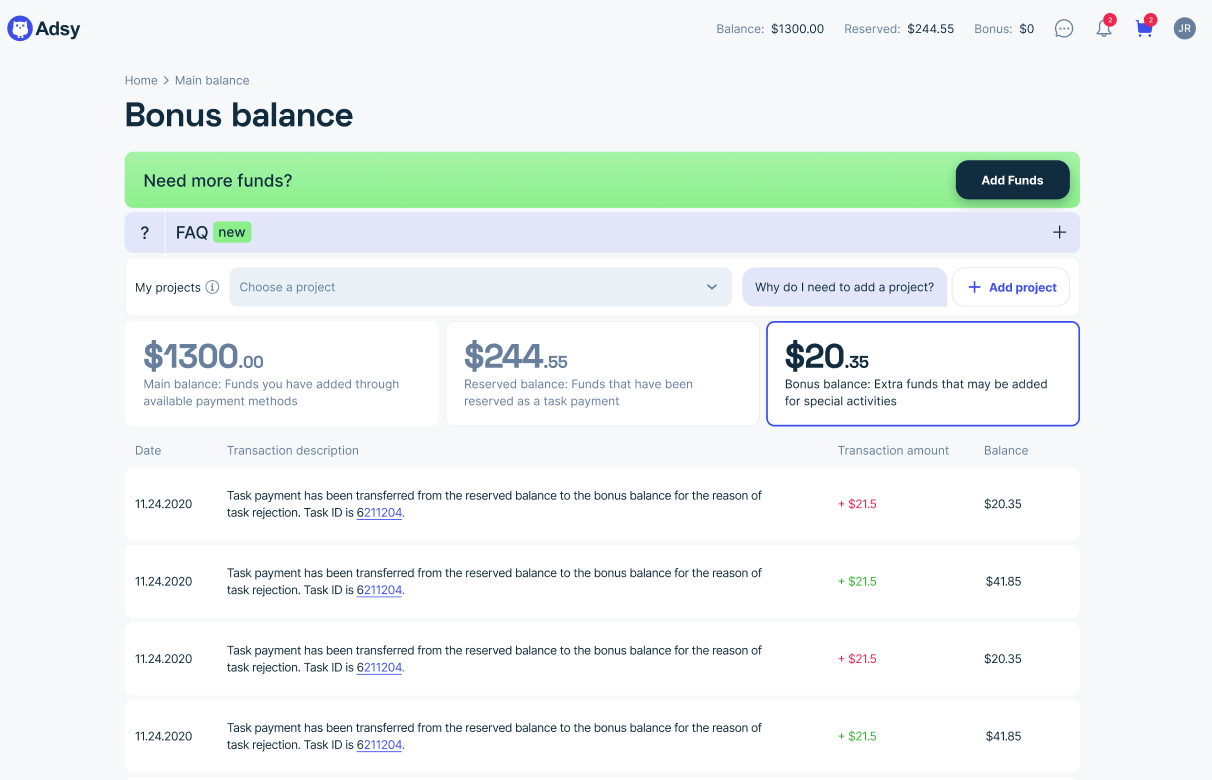
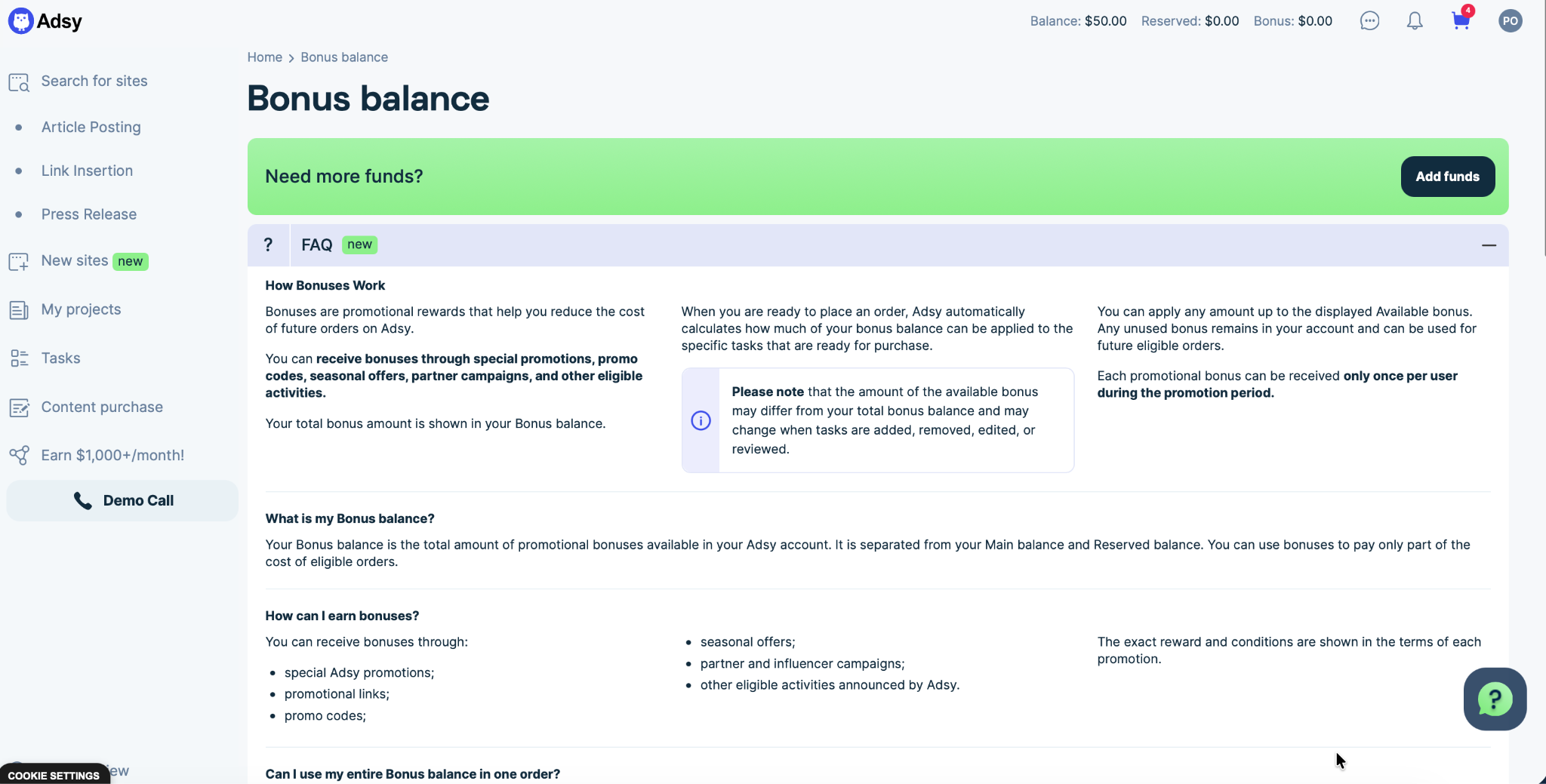
If you meet all the conditions of the promo campaign, the bonus will be automatically added to your account. You can see the total bonus amount on the Balance page, just near your Main balance and Reserved balance.
How to use bonuses for your tasks?
It is pretty easy now. At the top of the Checkout page, you can see a special box for applying the bonuses. Adsy automatically calculates how much of your bonus balance can be applied to your tasks. Just add any bonus amount up to the Available bonus amount, and you will see the total price of your order.
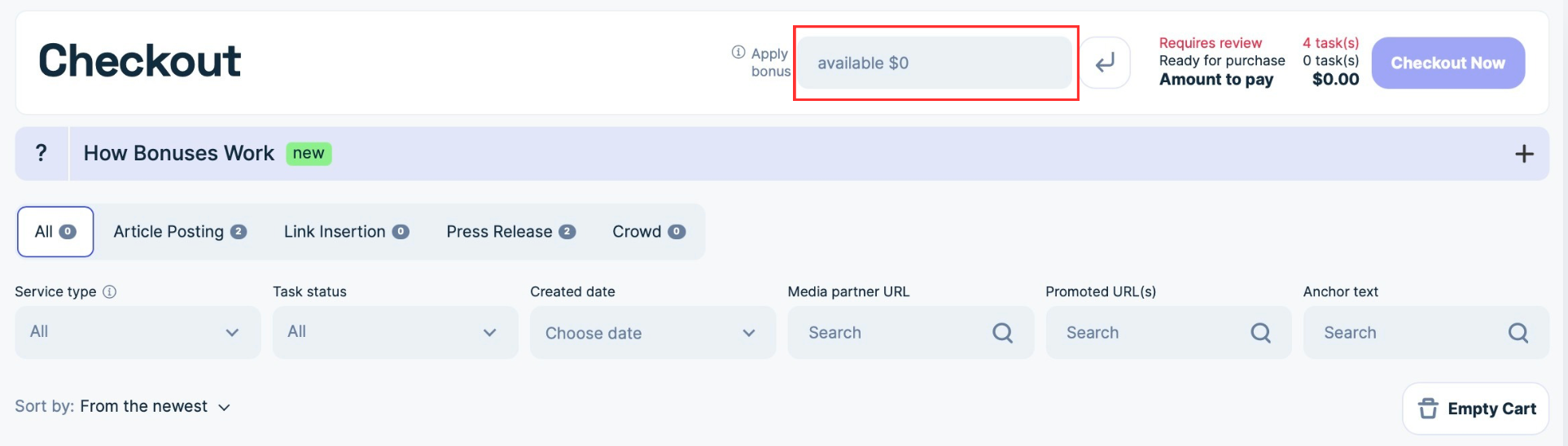
Please note that you can do it if at least one of your tasks is ready for purchase. It is possible when all task information is filled in correctly, and you have enough funds to cover the order.
For example, you can’t apply bonuses if your task “Requires review.” You have to add all missing information, apply your bonus, and Adsy will automatically recalculate the total price and available amount of bounce to this order.
To help you understand how it works, we’ve also prepared a useful FAQ block with detailed information about the checkout box and bonus usage.

Bonus Balance vs. Available Bonus: what's the difference?
Your available bonus may differ from the total bonus amount:
- Bonus balance is the total amount of promotional bonuses on your account that you’ve earned so far.
- Available bonus is how much of that balance you can actually apply to your current ready-for-purchase tasks.
So your balance shows the whole amount of bonuses, while the available bonus is just the part of it that's calculated based on the tasks in your cart and may be changed if you make any corrections to your order.
For example:
- Bonus balance: $1,000
- Available bonus: $210 for this order
You can apply any amount up to the available bonus, and whatever's left stays in your account for future orders.
Why the Available Bonus Can Show $0 (even if there are bonuses on your account)
This situation may happen if your tasks require review or adding some information. It also happens when your order isn't eligible for applying bonuses.
The fix is usually simple: fill in the missing information, and Adsy will automatically recalculate the available bonus once the task is ready. If everything is complete and the bonus still can't be applied, then the task(s) in your order are not qualified for a bonus.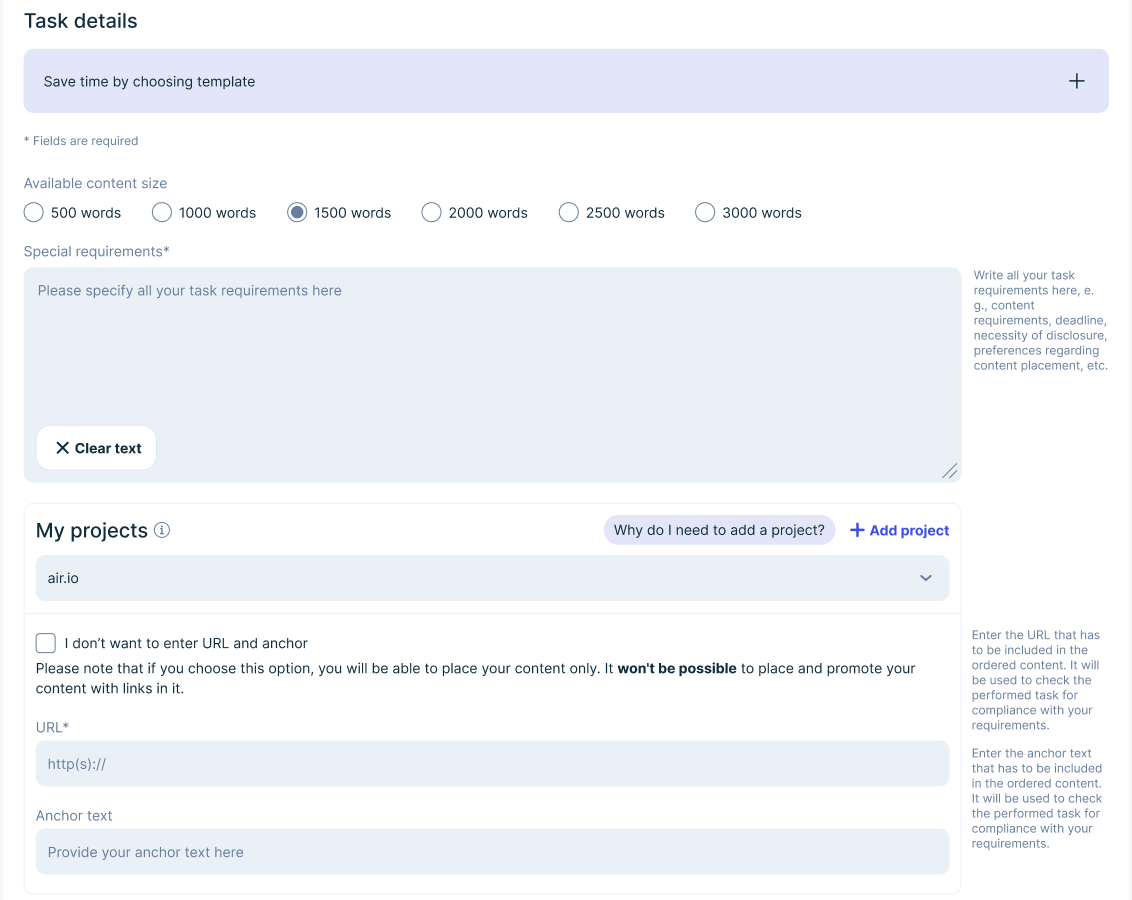
What happens if you change the order?
Adding, removing, or editing tasks may trigger an automatic recalculation of your available bonus. If you'd already applied a bonus before making the change, both the applied amount and your final total to pay may update as well.
So we recommend double-checking the final price and available bonus after any edit.

A Few More Things Worth Knowing
- Bonuses can't be withdrawn or transferred. It is a promotional reward, so this bonus can't be moved to another account or exchanged for money.
- Expiration dates depend on the promotion campaign. If a bonus expires, that will be stated clearly in the terms of the relevant promotion.
- What happens to unused bonuses? Unused bonuses remain in your account and can be used for future orders.
Find answers to any questions about bonuses on the New Bonus FAQ Page
To make all of this easier, we've added an extensive FAQ block on the Bonus balance page. It covers any questions regarding the bonus system on Adsy.
We hope this update makes it easier to earn, track, and use your bonuses for your next orders.
All trademarks, logos, images, and materials are the property of their respective rights holders.
They are used solely for informational, analytical, and review purposes in accordance with applicable copyright law.


 Sign Up
 Sign Up