






9 Best Email Deliverability Tools for 2026 (Tested & Compared)

Putting so much time into your email campaigns just to land in promotions or spam, see low open rates, and barely get any conversions?
This is officially one of the most frustrating things marketers and sales teams face.
And in many cases, it’s not even about how good your email is.
The real issue often comes down to deliverability: your setup, your list quality, and the tools you’re using.
That’s why we’ve created this list of the very best email deliverability tools for several use cases. From B2B to B2C, from large e-commerce brands to small businesses, and from inbox warm-up tools to email verification platforms.
When do you need email deliverability tools?
Most email marketing platforms have some basic built-in features that can help you improve deliverability, so why do you need any additional solution?
This is a legit question. And it already contains the answer.
Most marketing platforms include only basic deliverability support. It rarely provides in-depth and actionable insights.
Of course, if you have a smaller brand with simple email needs, it could work. Still, it isn’t enough for many businesses and goals.
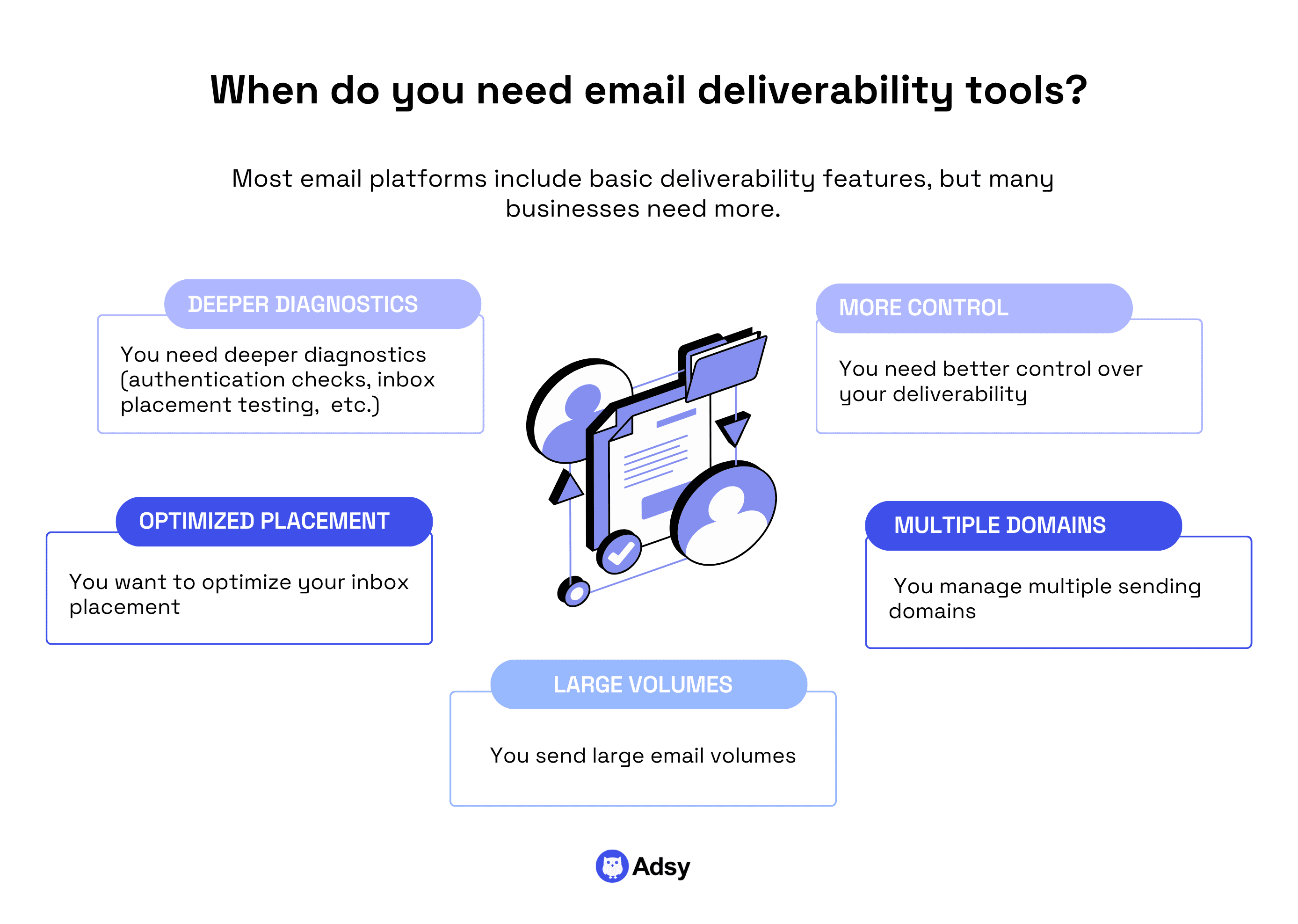
Generally speaking, you might consider using specialized email deliverability software when you:
- Need better control over your deliverability,
- Send large email volumes,
- Manage multiple sending domains,
- Want to optimize inbox placement,
- Need deeper diagnostics (authentication checks, inbox placement testing, sender reputation monitoring, delivery analytics, etc.).
9 Best email deliverability platforms
Now, let's see some of the best options on the market for nearly any use case.
Apart from email deliverability solutions in their classic sense, we’ve also added some leading email verification platforms.
Because while there are many possible reasons for a low deliverability rate, one of them is less obvious than the others: it’s the quality of data.
For most businesses, verifying email addresses before sending a campaign is one of the most effective ways to minimize bounce rates. This signals that your list is up to date and protects your sender reputation.
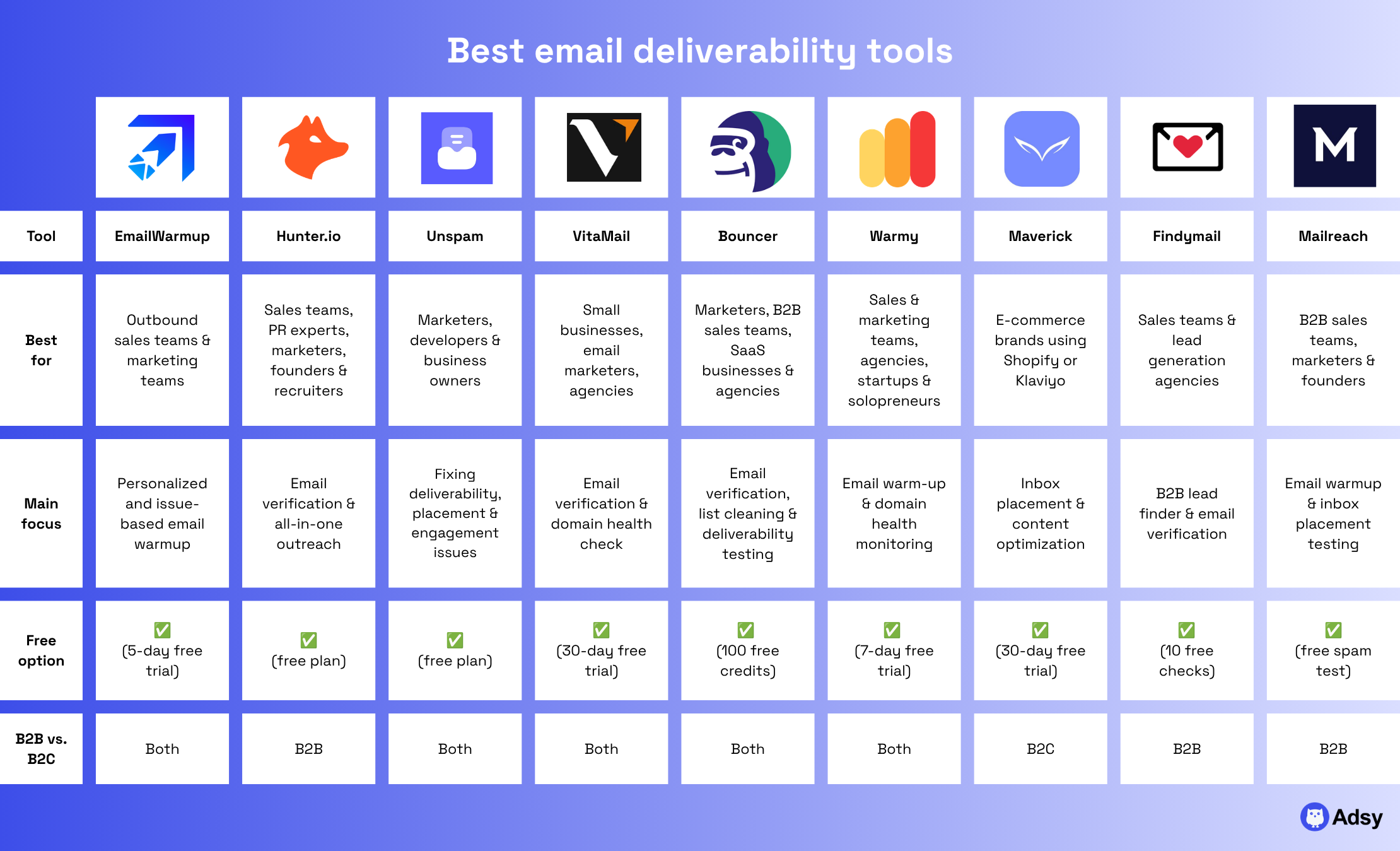
But before we get any further, let’s look at a quick comparison of the best email deliverability tools.
1. EmailWarmup.com
Source: emailwarmup.com
Best for:
- Outbound sales teams running cold email campaigns.
- Marketing teams that want to warm up their emails.
- Businesses sending transactional emails.
Pricing: Starting at $29/month per account.
Free option: 5-day free trial available. There are also a number of free tools, including Email Deliverability Test, SPF, DKIM, and DMARC Checkers, IP Blacklist Check, etc.
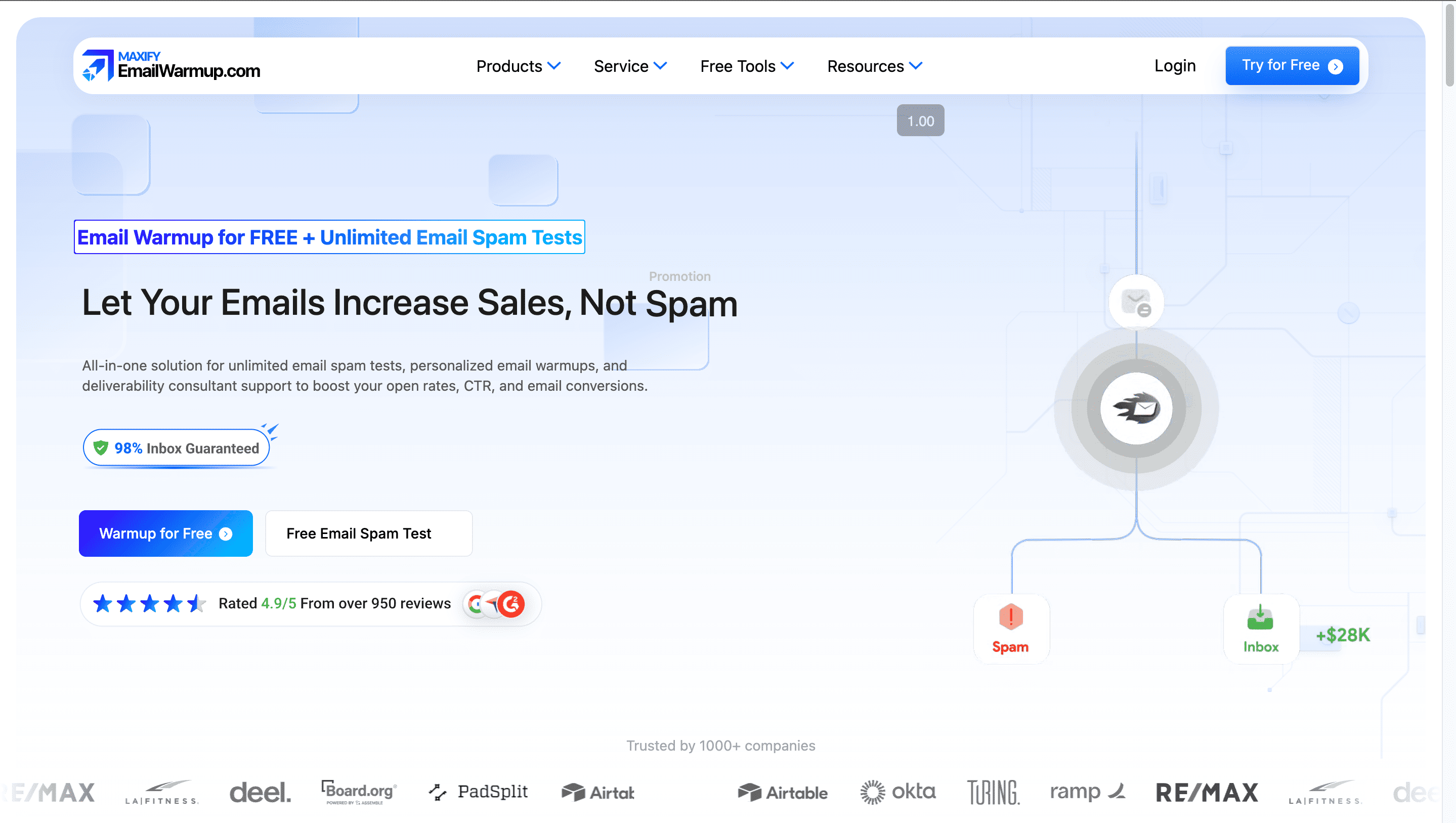
EmailWarmup.com is an all-in-one email deliverability platform that ensures your emails land in the inbox, not spam or promotions. It helps outbound sales teams, marketing teams, and businesses that rely on emails as their revenue-generation channel.
Here are a couple of features that stand out:
- Personalized email warmup. Instead of using a one-size-fits-all approach, EmailWarmup.com mirrors your real campaigns and sequences.
- Issue-based warmup. If your emails don’t land in Outlook, you can run a 100% Outlook warm-up without wasting your time on Gmail, for example.
- Multiple emails in one dashboard. You can track your team's deliverability across every mailbox, along with your Google Postmaster reputation, in one dashboard.
- Tailored warmup speed. You can choose a different speed based on where you are right now, slower for new accounts and faster for inboxes with many spam complaints.
There is also an EmailWarmup.com Chrome extension that lets you check your real-time inbox placement right in Gmail and Outlook.
And if you aren’t sure what your issue is or what your business needs, you can book a free deliverability consultation with their experts, who have hands-on experience with Salesforce, HubSpot, Mailchimp, Marketo, Eloqua, Klaviyo, ActiveCampaign, Apollo, Outreach, etc.
2. Hunter.io
Source: hunter.io
Best for:
- Sales teams who want to target only real buyers,
- PR specialists and marketers optimizing email campaigns,
- Founders and recruiters who want to protect their corporate domain.
Pricing: Starting at $49/month (30% discount applies for annual plans). There is also a data plan available for those looking to build workflows and leverage Hunter's API.
Free option: A free plan with 50 credits/month.
Hunter is an all-in-one outreach platform that helps you run email campaigns more effectively. It can cover a number of tasks, from outreach automation and B2B lead discovery to email finding and AI-assisted writing.
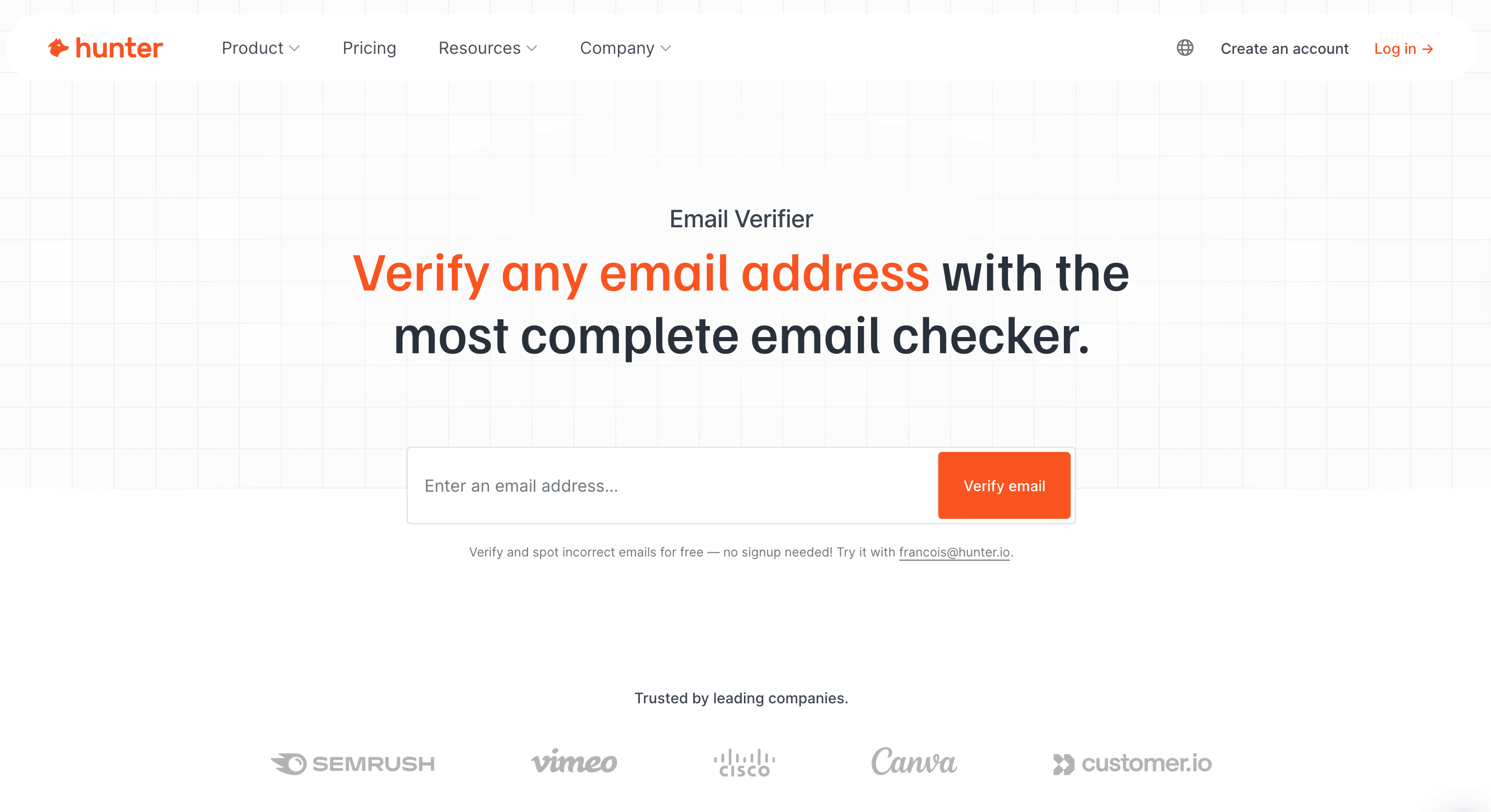
But a tool that is particularly helpful for better email deliverability and sender reputation is Email Verifier by Hunter.
It allows you to check whether email addresses are valid, active, and safe to send by running multiple checks, including syntax, domain status, and mailbox existence, to filter out risky or undeliverable contacts.
If you have a large number of email addresses to verify, you will especially appreciate:
- The Bulk Verification feature. With this one, you can clean entire lists at once. It’s especially effective at identifying “accept-all” domains that often trip up other tools.
- Email Verifier API. You can bring this tool into your own product to automate the process even further.
- Google Sheets add-on. It’s a really handy extra that allows you to verify email addresses right from your Google Sheets. It’s also accessible with the free account.
3. Unspam
Source: unspam.email
Best for:
- Marketers who need to ensure high deliverability of their email marketing campaigns.
- Developers wanting to do proper email configuration analysis.
- Business owners who want their emails to reach customers and not land in spam.
Pricing: Starting at $9/month for the Basic plan.
Free option: Free plan available (with the free account, you can run 10 spam tests, 10 email previews, and 3 inbox tests every month).
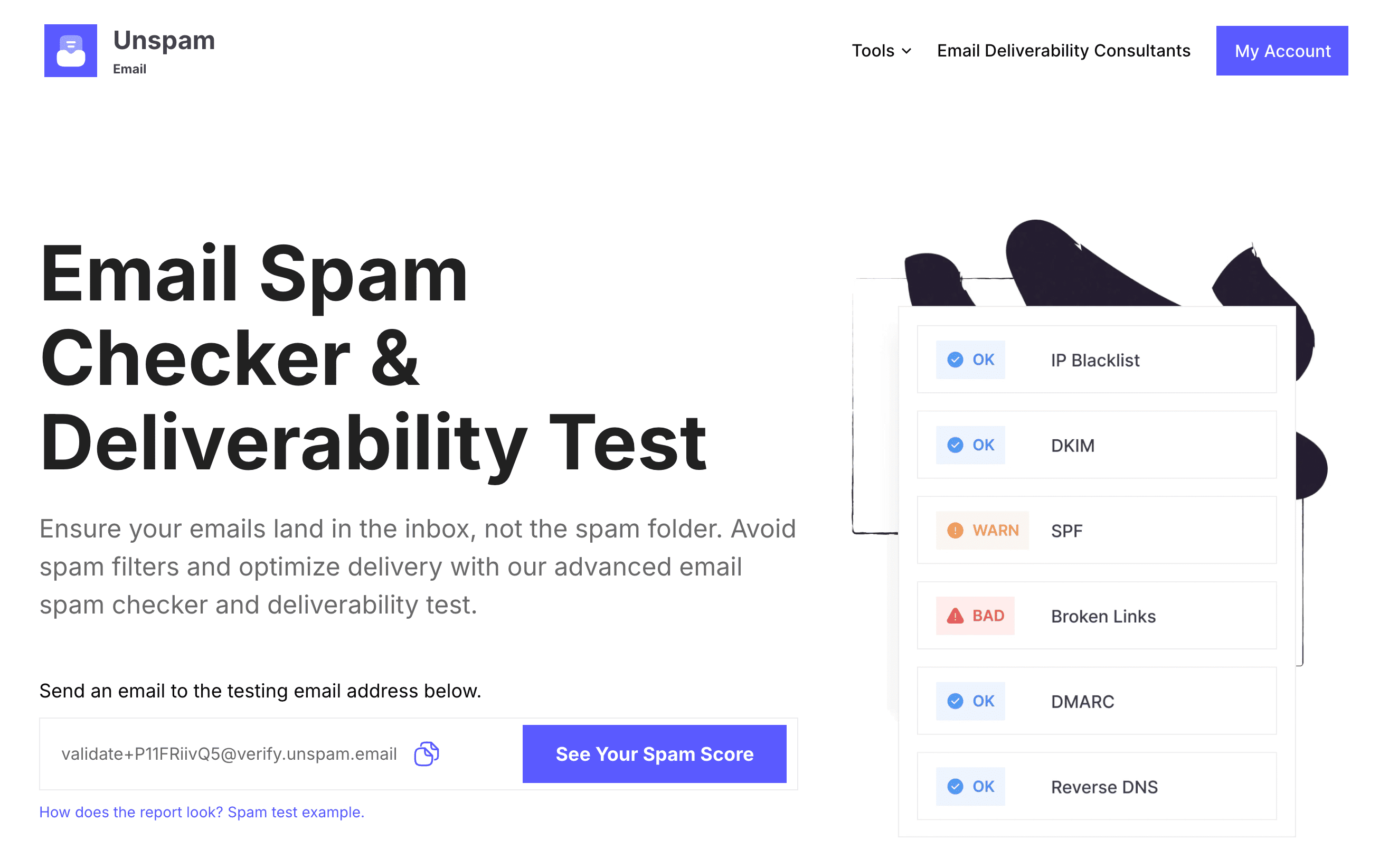
Unspam is an AI-powered platform that helps marketers, developers, and businesses improve their email deliverability and land in the inbox, instead of the spam folder.
It analyzes emails for potential deliverability issues and improves inbox placement, with a variety of tools, from email authentication checks to accessibility testing.
These are some of the key features this email deliverability platform offers:
- Spam score analysis: You can evaluate your email content for potential issues that might trigger spam filters. Plus, you get detailed feedback to improve your deliverability.
- Inbox placement monitoring: With this functionality, you can find out where your emails are likely to land (e.g., primary inbox, promotions, or spam folders) across all the major email providers.
- AI heatmaps: This is a quite unique feature that analyzes which parts of your email are more likely to capture attention. With its help, you can adjust your designs and copy for better engagement.
- Email authentication checks and blacklist monitoring: You can verify SPF, DKIM, and DMARC records and check whether your domain or IP address is blacklisted in one place.
- Email previews and accessibility testing: By checking how your message will be displayed on various devices and platforms, you can improve your UX and accessibility for all users.
- Broken link detection: It’s a small but really handy addition that double-checks that all your links are doing fine.
If you don’t know where to start or want some personalized guidance, Unspam.email’s team also provides consulting services.
4. VitaMail
Source: vitamail.vitanur.com
Best for:
- Sales teams who want to improve email deliverability,
- Small businesses that need to clean their email lists,
- Email marketers and agencies that want to create campaigns more easily.
Pricing: Pay-as-you-go pricing model that starts at $10 for 1,000 credits. With the Business plan, you get 5,000 monthly credits and additional features.
Free option: 30-day free trial for the Business Plan.
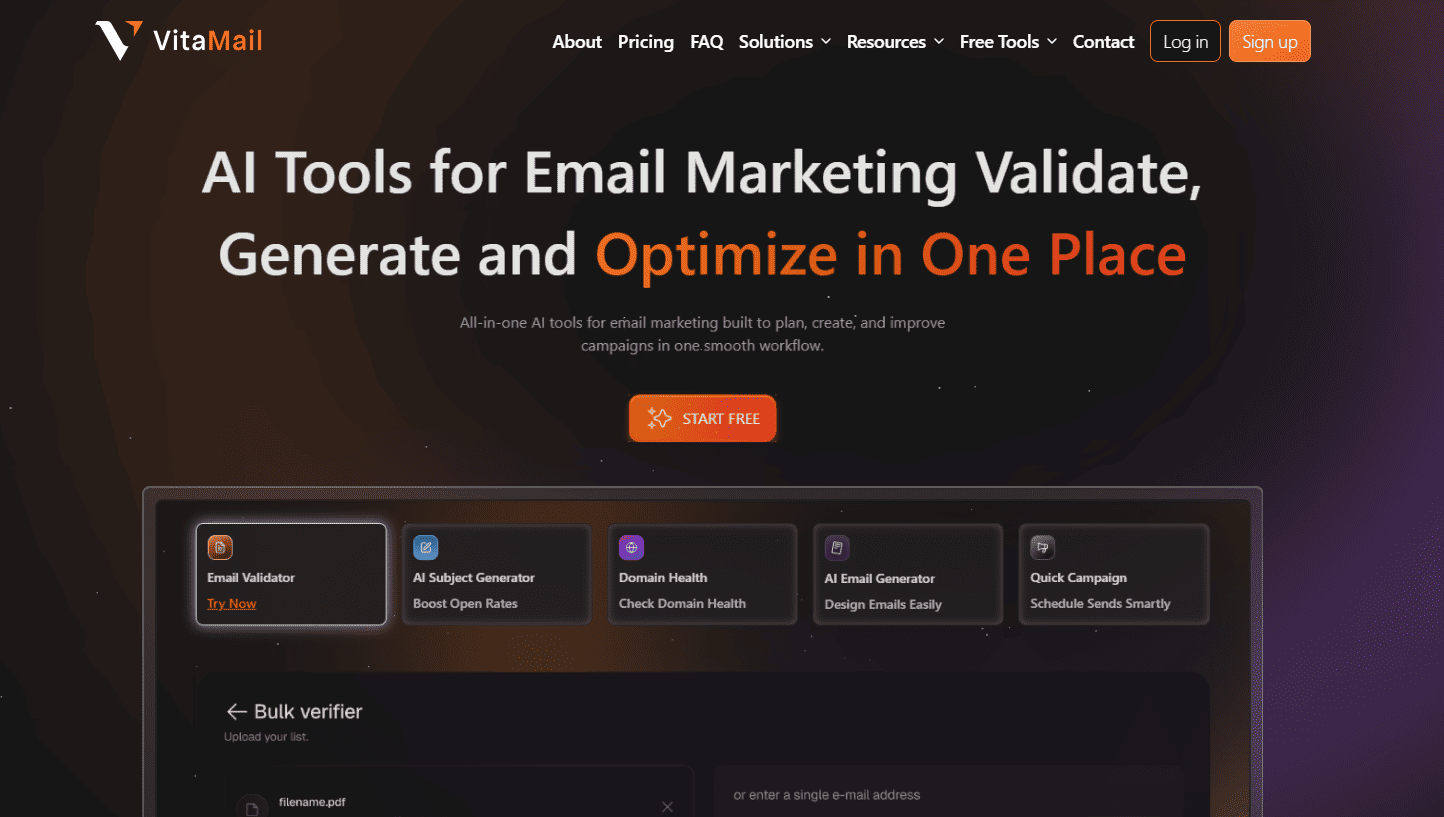
VitaMail is an email marketing platform built to help small businesses improve email deliverability and run campaigns from one place.
This platform is somewhere in between classic email deliverability software and email verifiers.
While it won't let you do email warmup or track inbox placement, it has other functionalities that will definitely fit some use cases. That’s why we’ve included it on our list of the top tools.
VitaMail focuses on the core steps of a successful email campaign:
- Built-in email verification. It detects and removes invalid addresses before sending your emails. This is how you can protect your sender reputation and reduce bounce rates.
- Domain health check. With this feature, you can monitor your sending domain reputation and get regular reports with potential deliverability risks. If any issues still appear, the Domain Doctor helps you identify exact authentication or configuration problems before they affect your inbox placement.
- AI generator. To speed up campaign creation, you can use the platform’s AI tools that generate subject lines and email drafts.
- Campaign builder. It also includes an easy-to-use campaign builder, helping you launch your campaigns.
And because it’s quite versatile, it might be a perfect choice for small businesses that are looking for an all-in-one tool with affordable pricing (pay-as-you-go).
5. Bouncer
Best for:
- Email marketers who need to clean their mailing lists.
- B2B sales teams that want to make sure their message actually gets delivered.
- SaaS businesses and agencies wanting to verify emails at scale.
Pricing: Starting at $8 for 1,000 credits that don’t expire.
Free option: 100 free credits (no credit card required). Bouncer also offers free tools for email checking and list sampling.
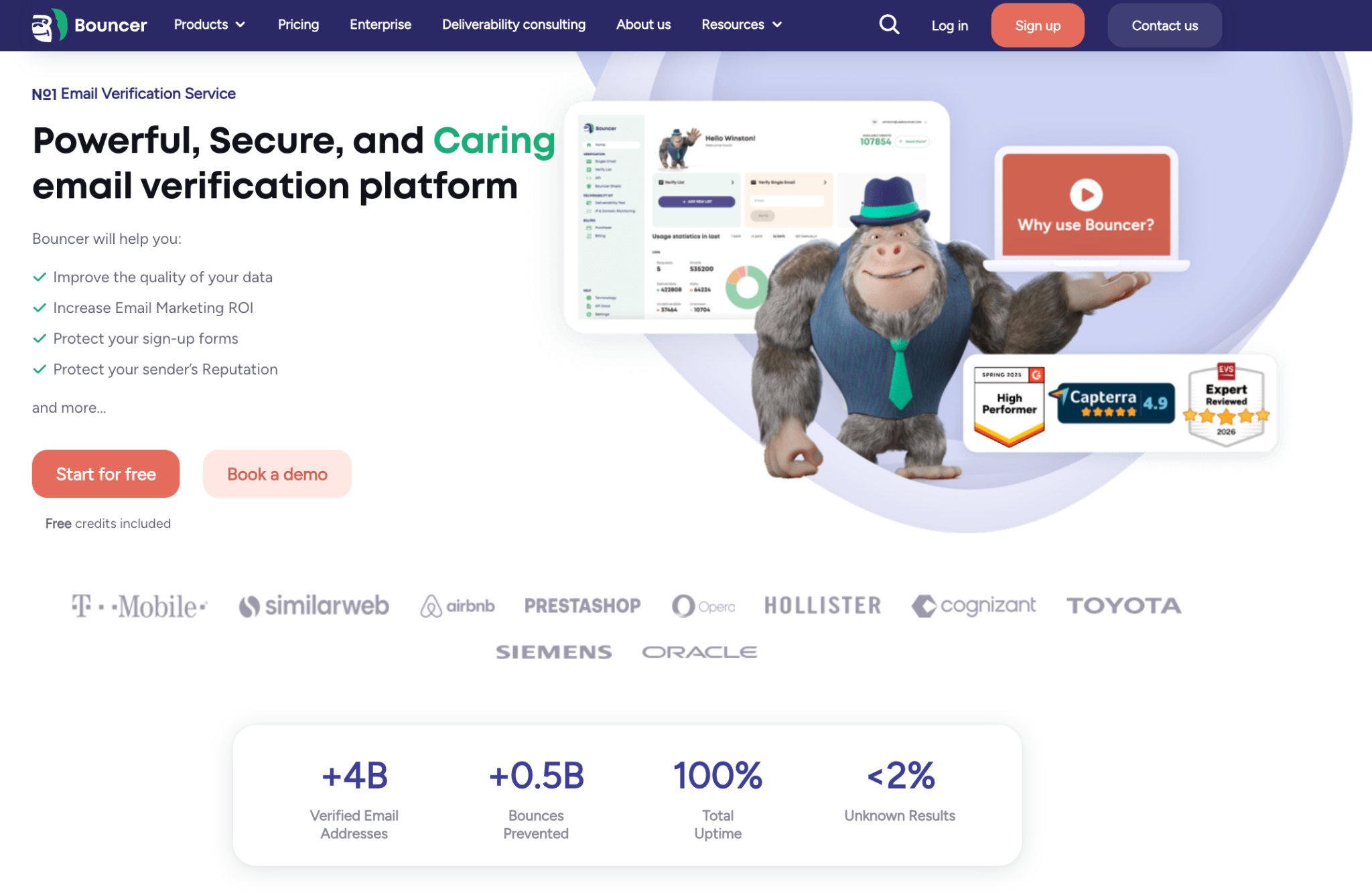
Bouncer is an email verification and deliverability platform that keeps low-quality addresses out of your lists.
The whole process is extremely easy and comes down to these three major steps:
- Upload your data. You can do that by uploading it directly, copying and pasting your email addresses, and connecting with your email service provider through one of the 14 integrations or via API.
- Email verification. Run the actual verification and/or toxicity check.
- Get the data. After filtering your results, you can download a file, export all the information to your ESP, or send it directly via API.
These are the exact features that help you protect your sender reputation and improve your deliverability:
- Email Verification App and API. You can check addresses in the Bouncer app or in real time via API.
- Bouncer Shield. It helps you review emails directly inside your forms. This way, you can catch everything from typos to risky contacts before sending them to any other platforms (CRM, email software, and so on).
- Toxicity Check. With this tool, you can detect suspicious emails, including hacked addresses and spam traps.
- Deliverability Kit. This feature helps you understand how many emails will actually get to your recipients’ inboxes. It checks your technical setup (SPF, DKIM, DMARC), IP and domain blocklists, and the actual inbox placement (spam, promotions, etc.).
Email deliverability isn’t just about content quality and spam-triggering words. It starts with a clean email list. And that’s where Bouncer can help. Besides, cleaner data and fewer bounces make your scaling much easier.
6. Warmy
Source: warmy.io
Best for:
- Sales and marketing teams,
- Customer service departments,
- Agencies, startups, solopreneurs, and affiliate partners.
Pricing: Book a quick demo call to review pricing.
Free option: A free 7-day trial available (no credit card required). Warmy also offers several free tools for email deliverability, cold emailing, and email setup and optimization.
Warmy is an AI-powered email deliverability platform that helps businesses make sure their outreach and marketing emails land in the inbox instead of spam or promotions.
To ensure this, Warmy creates a dedicated “deliverability layer” that covers three main elements:
- Email warm-up: It’s an IA-powered process that ensures your emails are opened, replied, and marked as important. You can automate personalized messages in 30+ languages, and easily track your warmup process in one dashboard.
- Inbox placement and deliverability tests: You can test your inboxes across major email providers. As a result, you’ll know how your domain behaves with different providers and where exactly your emails land.
- Domain health monitoring: You get a central domain-health dashboard where you can easily track SPF/DKIM/DMARC, blacklist monitoring, and reputation scoring.
On top of this, Warmy works great for agencies, as it allows multi-mailbox management for several client domains in one interface.
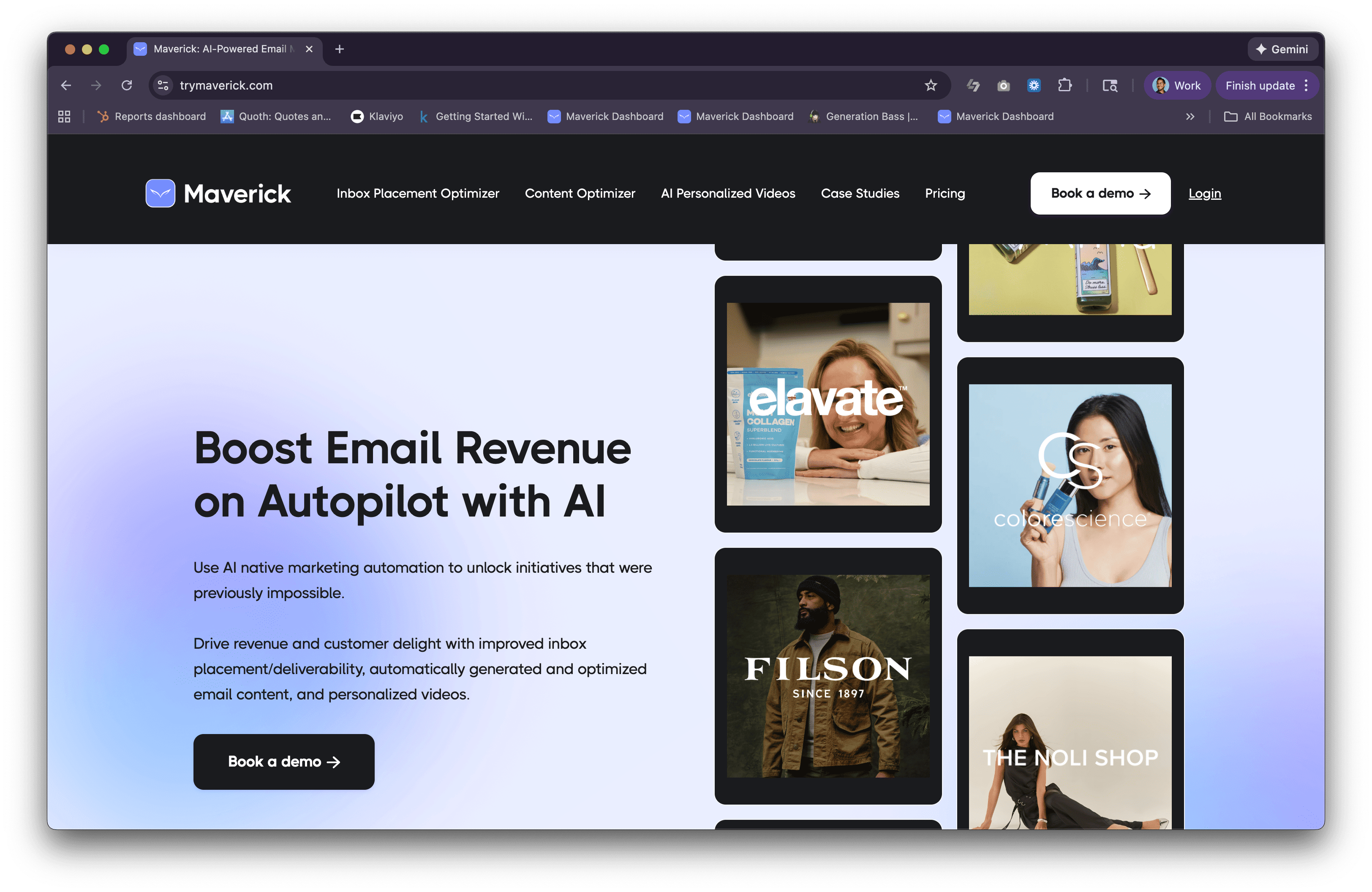
7. Maverick
Source: trymaverick.com
Best for:
- E-commerce brands using Shopify or Klaviyo and making $1M+ annually.
Pricing: Starting at $300/month for the Starter Plan, and $500/month for the Maverick's Inbox Placement Optimizer.
Free option: 30-day free trial available.
Maverick's Inbox Placement Optimizer helps ecommerce brands escape the Promotions tab and land in the primary inbox. But it isn’t the only email marketing feature this platform has to offer.
Unlike many other email deliverability tools, Maverick has a very specific audience, focusing on e-commerce brands. This solution helps online stores stand out in the noisy environment.
They achieve this thanks to the following features:
- Inbox Placement Optimizer. It helps you boost open rates, clicks, and revenue by fixing the technical issues that cause your emails to land in promotions or spam.
- Content Optimizer. This tool allows you to auto-generate and A/B test subject lines and preview text for every email you send.
- AI Personalized Video. With this feature, you can send personalized videos to every customer at key moments in their buyer journey.
8. Findymail
Source: findymail.com
Best for:
- Sales teams who want to protect email deliverability,
- Lead generation agencies that run outreach for multiple clients.
Pricing: Starting at $49/month for the Basic plan.
Free option: You get 10 Finder and Verification Credits for free with no credit card required.
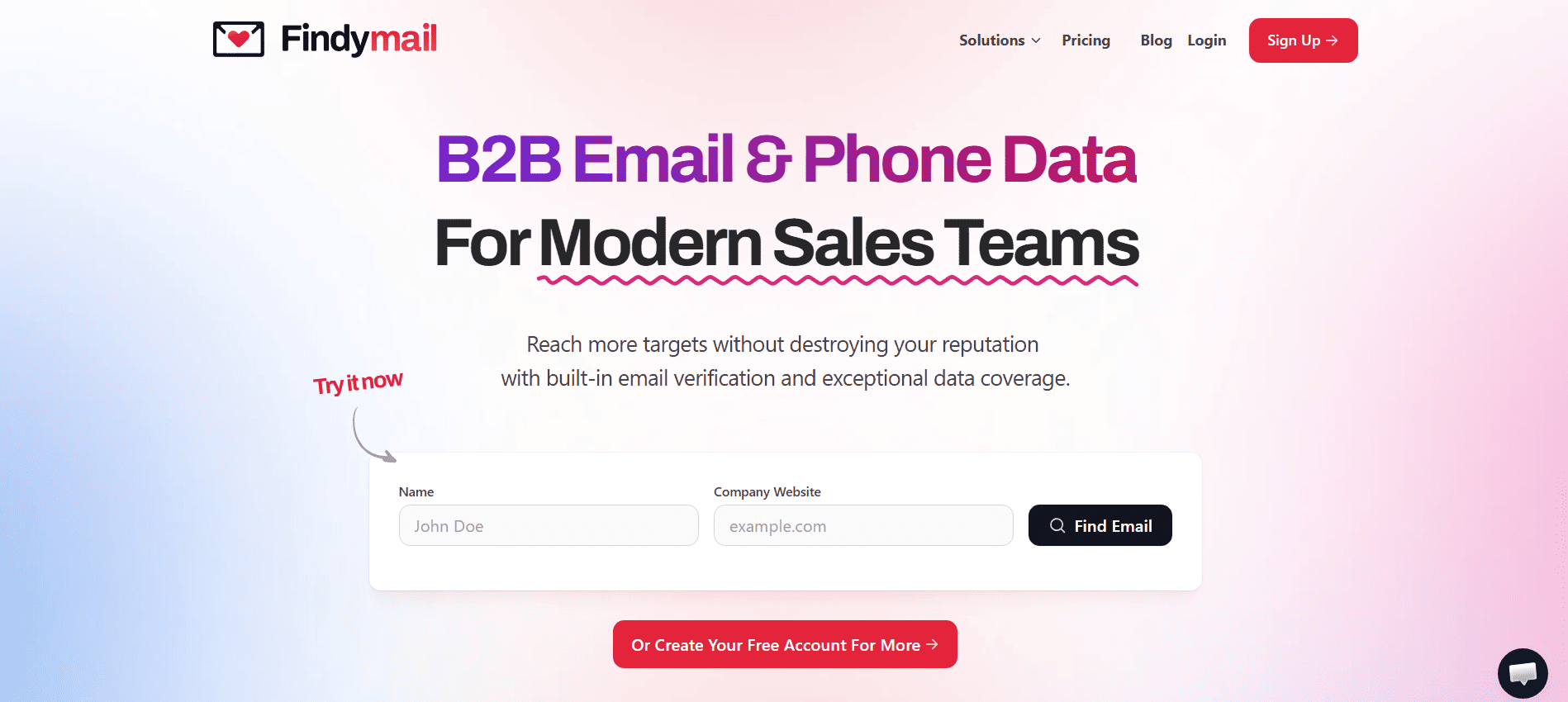
Findymail is a high-accuracy B2B contact data platform specializing in verified business emails and phone numbers.
With a guaranteed email bounce rate of 5% or less, Findymail protects email deliverability and lets you run outreach without worrying about data quality issues.
How is it different from other similar tools?
- It doesn’t just find contact data, but also verifies it in real time before it reaches your list.
- You only pay for verified results. If Findymail can’t locate your email address or verify it, you won’t use any credits.
- Since it’s designed for B2B sales, it only sources verified, personal business emails (think name@company.com, not @gmail.com addresses)
- With their AI B2B Lead Finder, you can conversationally describe your ideal companies and get a list of relevant leads in the CSV format or delivered to your CRM.
- Their CRM enrichment tool, Datacare, helps you automatically clean and update your data, keeping your records fresh.
All these features can help businesses skip a lot of manual work and significantly improve their deliverability score by having verified and updated email addresses on their list.
9. MailReach
Source: mailreach.co
Best for:
- B2B sales teams who use email to book calls or convert leads.
- B2B marketers who leverage email marketing to generate leads and move them down the funnel.
- B2B founders who rely on emails to contact potential investors, employees, partners, etc.
Pricing: Ranges from $16 to $25 per mailbox (the more mailboxes you warm, the lower the price per mailbox). With 101+ mailboxes, special pricing applies.
Free option: MailReach offers a free spam test that helps you check where your emails are landing.
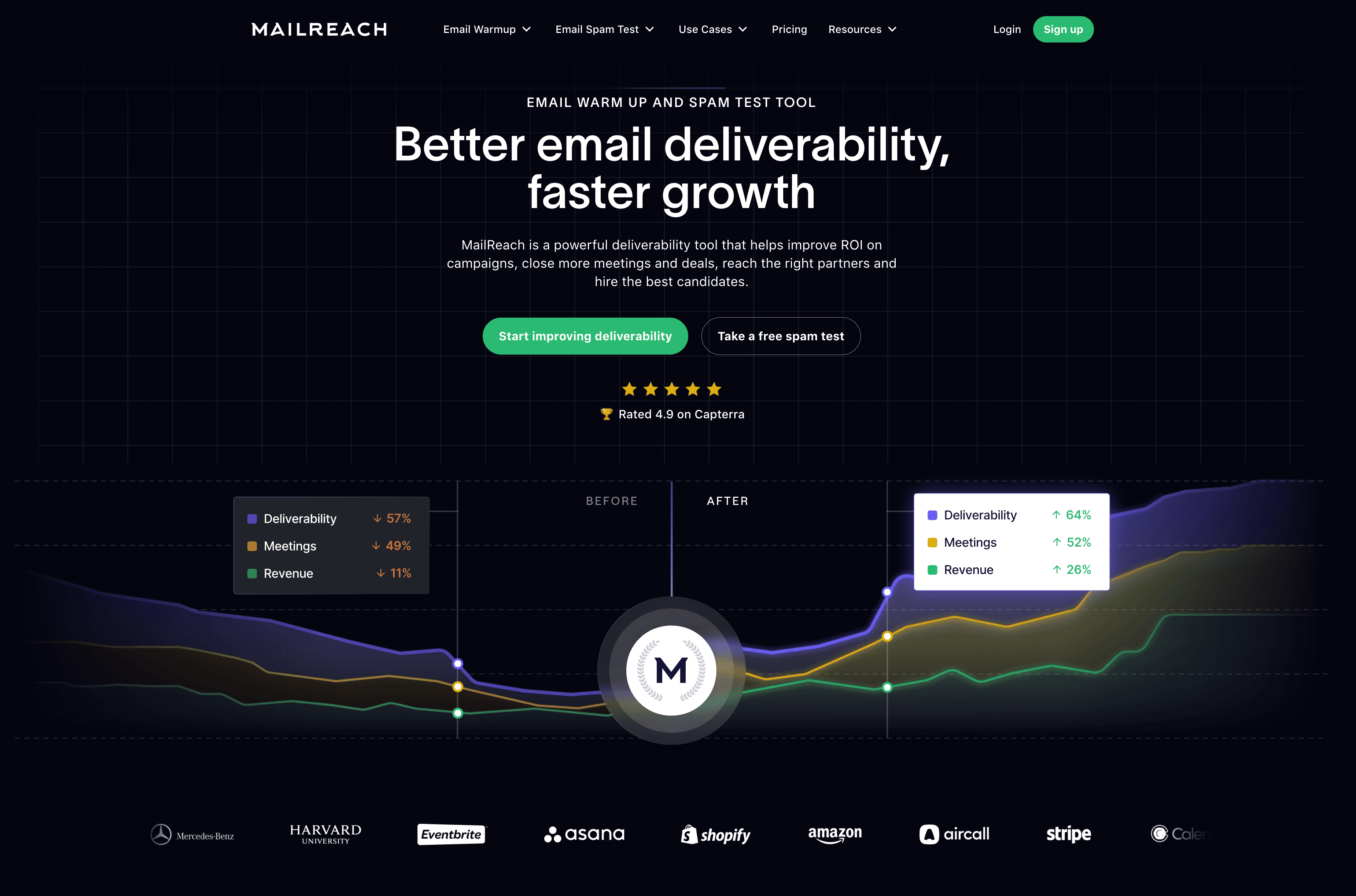
MailReach is a B2B cold emailing deliverability tool compatible with any mailbox provider that supports SMTP. It helps your emails reach the primary inbox and improve the overall campaign performance.
Essentially, MailReach offers two major functionalities:
- Email Warmer. It uses a network of over 30,000 high-quality mailboxes to generate human-like interactions for the email warm-up. Here, your emails get opened, answered, marked as important, and pulled out of spam (if needed). It can also warm up your mailboxes in the background, which helps you maintain your sender reputation during and between your campaigns.
- Email Spam Checker (Inbox Placement Test). This spam test helps you get an unbiased result of your inbox placement and email deliverability by sending your emails to multiple addresses and including a snippet of code. You can run both manual and automated tests, depending on what you need.
This email deliverability service also includes a feature called Autofix AI. It automatically analyzes your email content and highlights common spam triggers that you should avoid.
If you’re looking for proactive monitoring, you can also set up real-time alerts via Slack or webhooks. They can notify you of any changes in deliverability, reputation scores, blacklists, or other similar issues. Besides, you’ll get actionable tips to stay out of spam.
Checklist for better email deliverability
While choosing the best email deliverability tools is essential, there are other, more “conceptual” things to keep in mind. That’s why we’ve prepared this checklist to make sure that your email campaigns always perform at their best.
We won’t focus on the technical setup, since most email service providers guide you through it. Besides, these factors are rarely the main cause of poor email deliverability.
Overall, try to focus on these elements:
- Trust and good reputation (of course),
- Quality emails your subscribers want to receive,
- Consistent email volume,
- Keeping your complaint rate very low (ideally, below 0.1%),
- Email list quality rather than volume,
- Staying compliant,
- Keeping your bounce rate low,
- No blacklist appearances,
- Auditing before scaling.
Now, let’s look at the most important points in detail:
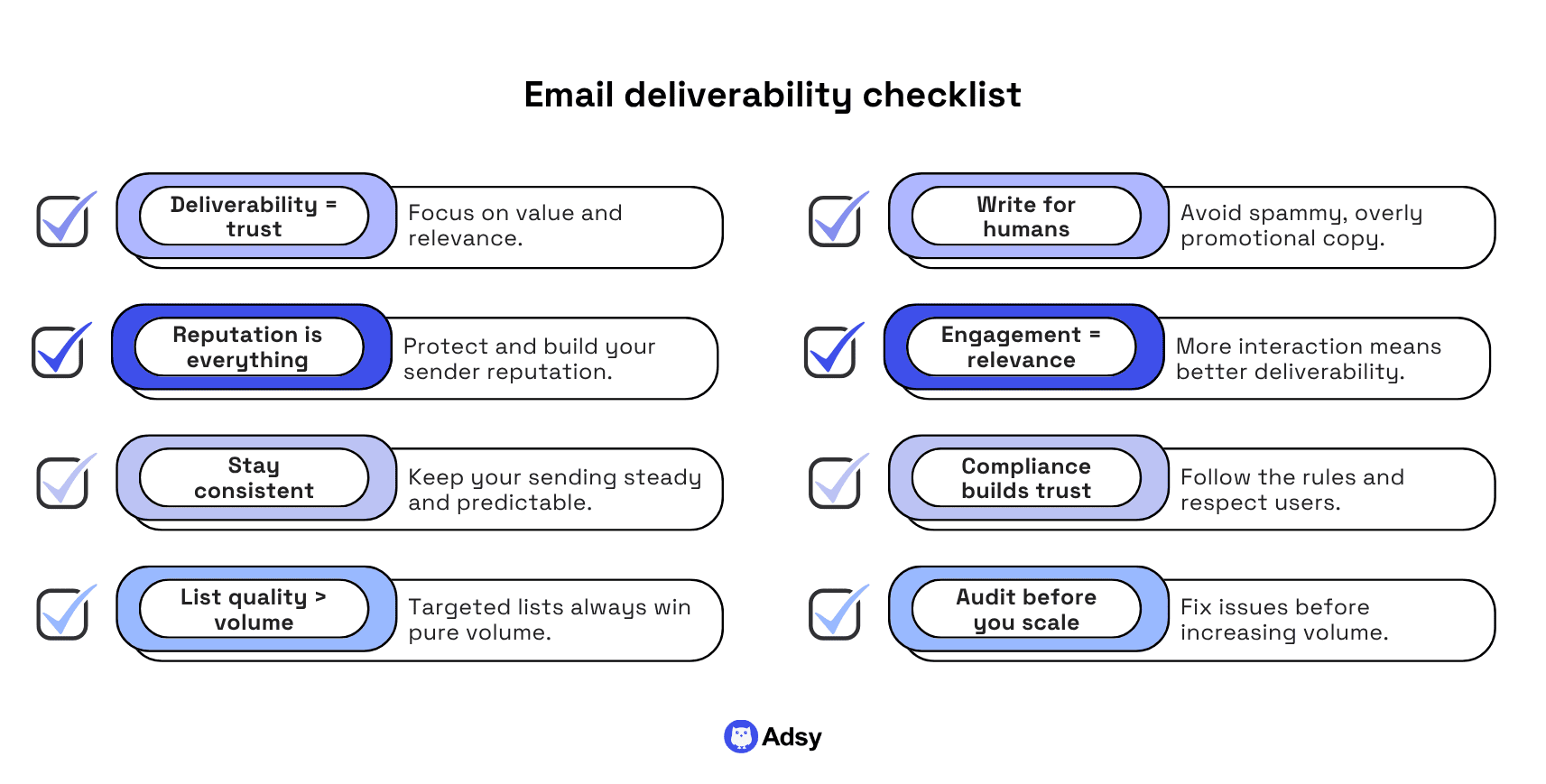
Deliverability depends on trust
The first point is more of a mindset shift. And before you scroll through it, just listen to this.
In the long term, deliverability should always be based on trust, not some tips and tricks.
After all, email providers are trying to protect users.
So, whatever you do, keep this in mind. You have to be a sender who actually delivers value and prioritizes relevant messaging over any best practices.
Now, let’s get into more practical tips on this checklist.
Your reputation is everything
It’s an obvious one, but without a good sender reputation, you won’t get far.
And while you can use all the best email deliverability tools above to help you address spam complaints and warm up your inboxes over and over, you also have to make sure your strategies make sense.
Reputation is earned relatively slowly, but you can lose it because of one random campaign where your list wasn’t properly cleaned up.
Sure, you can recover in most cases, but it’ll likely take weeks (at least).
So, make sure you:
- Warm up your domains and inboxes gradually,
- Keep a consistent sending volume and schedule,
- Monitor your sender reputation and blacklist status.
Consistency in your campaigns reduces risks
Consistency might seem like it’s something too small to actually matter. But the more consistent you are in your email sending, the fewer risks you face.
Especially, if you’re just starting out, try to stick to predictable:
- Daily and monthly email volume,
- And the overall sending patterns.
Email list quality beats volume every single time
The list quality always beats volume. Sure, someone might argue that when you have 10 emails on your list, even two spam complaints can crush your reputation.
And that’s true. But for most brands, the real issue isn’t small lists. It’s poor targeting at scale.
You need to make sure your list consists of people who are at least potentially interested in your offering.
And of course, these have to be real, active emails. Long story short: tight ICP is (almost) always better than a list that’s all over the place.
That’s why it’s so important to:
- Verify your contacts,
- Clean up your email list regularly,
- Remove inactive and invalid addresses.
Your content has to work for both humans and spam filters
Avoiding things like “FREE GIFT” and “HURRY! ONLY A FEW LEFT!” (all in caps, of course:) ) is email marketing 101. And if any of these slip through, the tools above will remind you.
So, the question is: why do we still focus so much on these spam-triggering phrases?
Wouldn’t it be better to write for write for humans? After all, they’re the ones buying our products and services.
That’s why when writing email messages, as much as possible:
- Use the best practices of direct response copywriting,
- Speak human to human,
- Offer real solutions to real pains, instead of just being another salesy, annoying email.
Engagement shows you’re relevant
Engagement is essentially your way of showing that people like what you’re sending them. And the best part is that you can influence it.
Some of the best checks you can run in this area are:
- Is our audience well segmented and our targeting tight?
- Are we encouraging people to interact with our email and reply?
- Is this something these readers will really find valuable?
Compliance is important for user trust
Compliance isn’t just about legal requirements. It’s a key factor in building trust and maintaining strong email deliverability.
That’s why it’s so important to:
- Always include a clear and visible unsubscribe link,
- Follow GDPR and CAN-SPAM requirements,
- Make it easy for recipients to manage their preferences (not just unsubscribe),
- Honor opt-outs immediately because ignoring them can damage both trust and deliverability.
Always audit before scaling
This is the point that’s absolutely crucial every time you increase your email volume.
Scaling is always risky when the foundation is shaky.
So, to avoid any unpleasant surprises, make sure to check the following:
- Your mailbox health,
- Authentication protocols,
- Recent email performance, etc.
If you've been receiving more spam complaints lately, scaling won’t fix it in most cases. All your issues generally just intensify when your volume increases.
So, this simple audit can really help.
Conclusion
Choosing the best email deliverability service for your business might not be easy. But with the list above, it becomes much more straightforward.
Which tool should you pick, after all?
This really depends on your workflows, needs, objectives, and business nature. You can’t go wrong with any of the solutions above. But some of them might be more applicable to your particular use case.
So, the best thing you can do is try the tools that seem most suitable. Since all of the platforms above offer some type of free option, it shouldn’t be an issue.
Once you try them in practice, you’ll likely know exactly what you need.
All trademarks, logos, images, and materials are the property of their respective rights holders.
They are used solely for informational, analytical, and review purposes in accordance with applicable copyright law.




 Sign Up
 Sign Up